Learn the idea
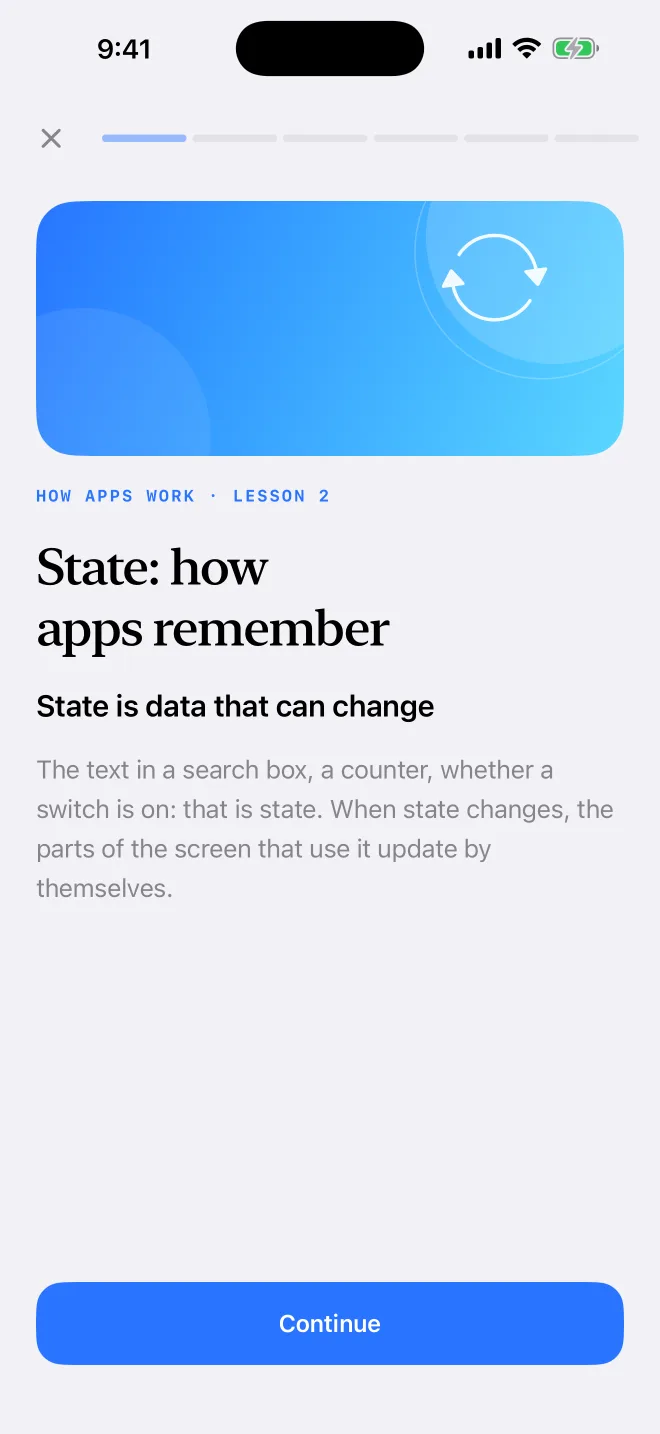
Short cards explain one idea at a time, with examples and, in the code lessons, real code.
 Fastshot Learn
A free course for iPhone and iPad
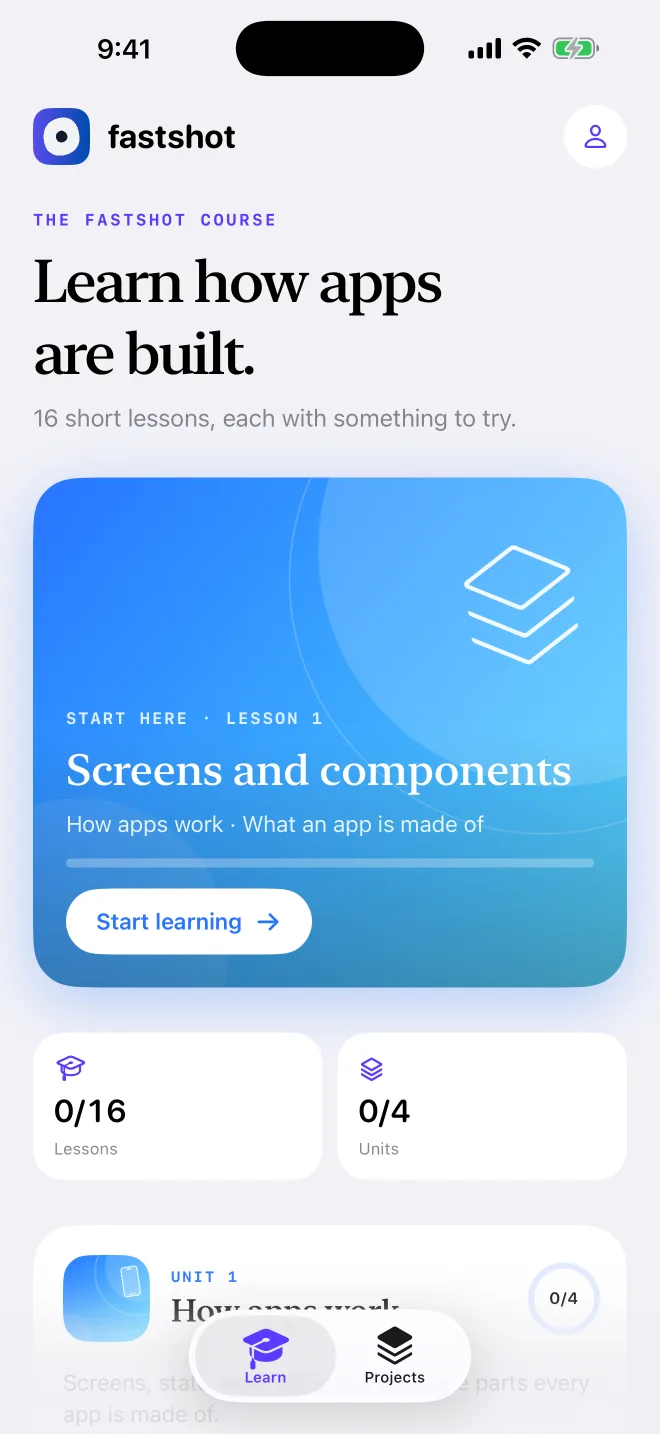
16 short lessons on how mobile apps work, a knowledge check in every lesson, and a practice app with six exercises. Then read and change the code of your own projects.
How a lesson works
Short cards explain one idea at a time, with examples and, in the code lessons, real code.
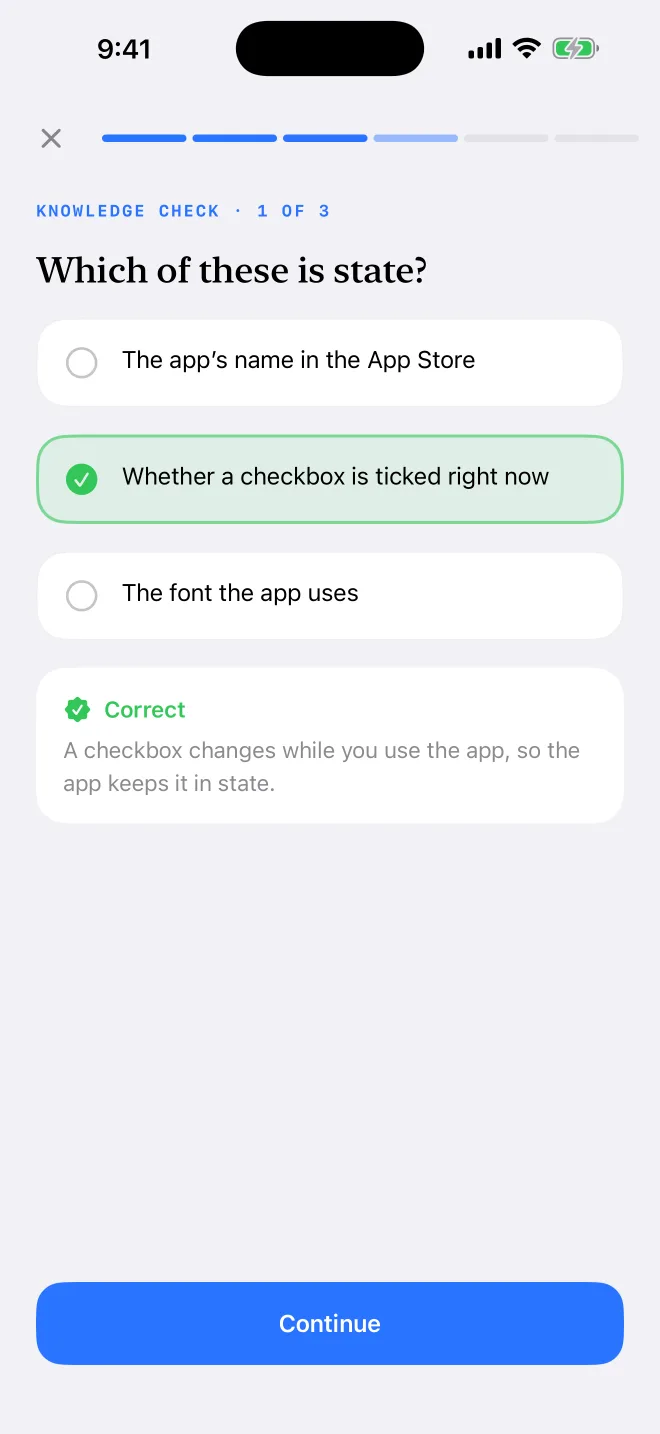
Every lesson ends with questions, and each answer comes with an explanation.
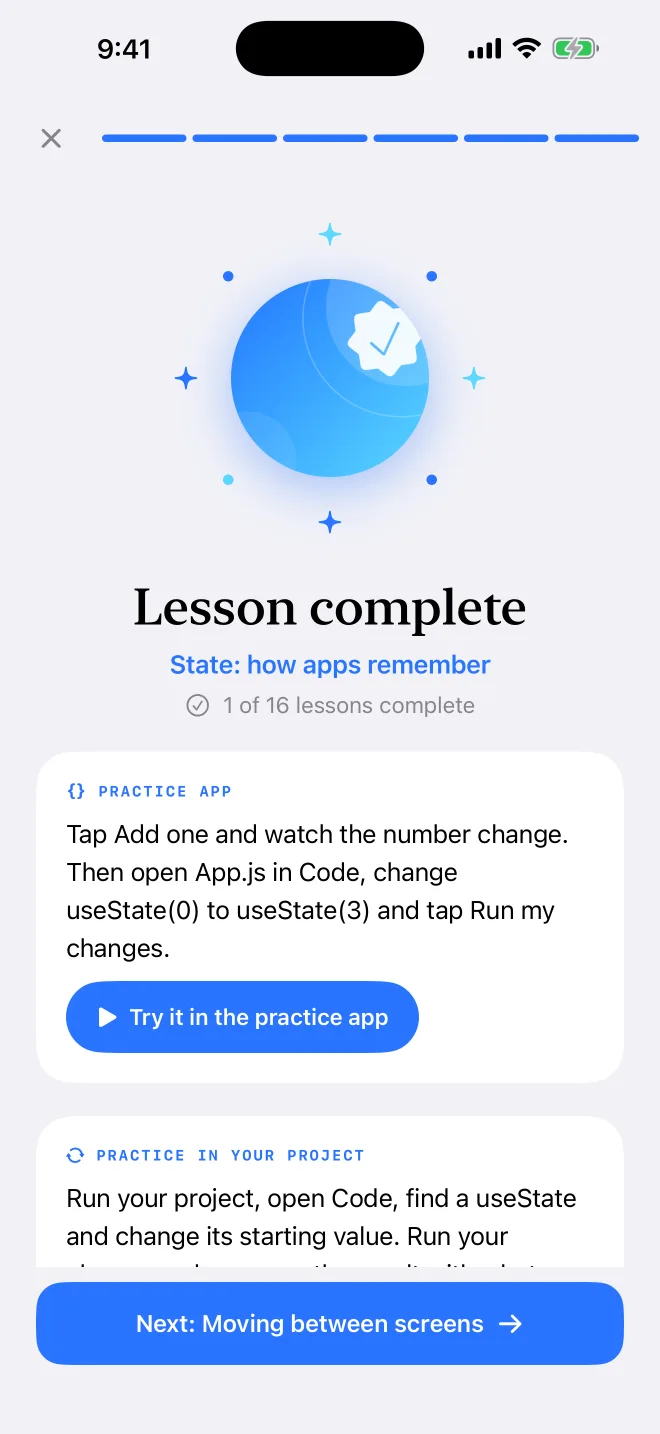
Practice in the built-in practice app, or in a project you made in the Fastshot editor.
The course
Unit 1
Screens, state, navigation and data: the parts every app is made of.
Unit 2
Goals, boundaries and checks that turn an idea into a clear plan.
Unit 3
Find your way around a project’s source, then change it yourself.
Unit 4
Review a plan, read errors, test on a real phone and get ready to release.
Practice app
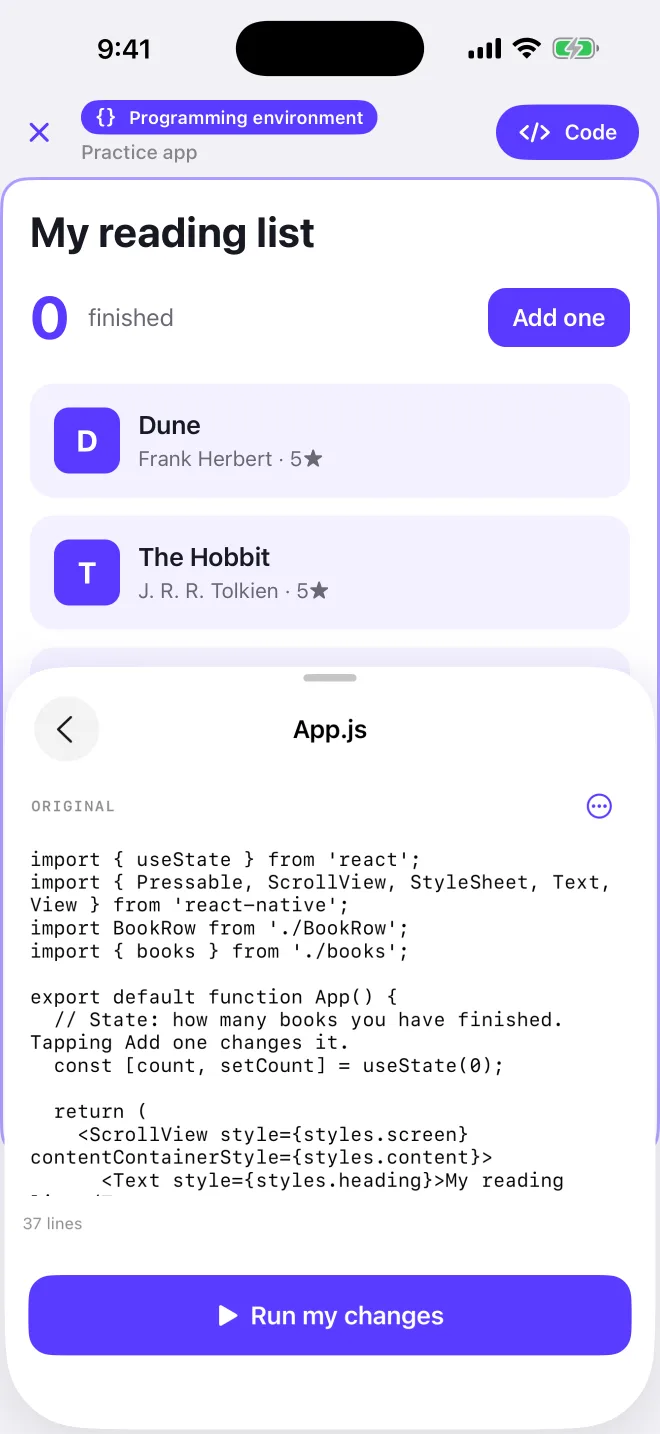
Six lessons come with an exercise in the practice app, a small reading-list app whose source you can open in Code. Predict what a change will do, run it and compare. Reset edits brings back the original.
Your projects
Every lesson ends with a step to try in your own project. Sign in to open the projects you make in the Fastshot editor, read and edit their code, and run your changes.
State: how apps remember · Practice in your project
Run your project, open Code, find a useState and change its starting value. Run your change and compare the result with what you expected.
Questions
Yes. Fastshot Learn is free, with no in-app purchases.
No. The lessons and the practice app work without one. Sign in only to open your Fastshot projects.
No. The course starts with what an app is made of, and code comes in one small piece at a time.
On your device. See the privacy policy.
An iPhone or iPad with iOS 16.4 or later.